For parents with two schools, eight apps and one fridge door

Every school message. One calm evening brief.

School Hop reads the school emails, letters and co-parenting messages for you, turns them into real dates, and tells you the night before what each child needs.

Never miss a school message again. Instant alerts are coming next.
Sent at 7pm.
Read in 30 seconds.
A parents' meeting date was buried three replies deep in an email thread. I'd even said I would be there. I only realised the day after. So I built something that reads every message and never forgets a date. A dad of two, south-west London

The problem

School life arrives in pieces.

8 apps

For two children at two schools

Newsletters, letter portals, payment sites, parents' evening bookings, class groups, and the co-parenting calendar. Each one sends its own emails.

1 line

Is all it takes to miss something

The date you need is often a single line in a long newsletter, or tucked inside a reply. It is easy to read and easy to forget.

2 homes

One child, one week

When children split the week between two homes, the plans and the kit have to follow them. Both parents need the same facts.

How it works

From inbox to evening brief, in four steps.

Collect

Reads school emails, newsletters, PDF letters and co-parenting notifications from the inbox you already use. It only reads, never sends.

Understand

Finds the dates, times, kit, money and deadlines. Each one is checked against the original wording, and the weekday has to match the date.

Calendar

Puts each confirmed date in your calendar with the source quote attached. Anything unclear goes to a short review list instead.

Remind

Sends one calm brief at 7pm: tomorrow, this week, and anything with a deadline. No dozens of pings.

Works with your school apps

One place for everything your schools send.

School Hop works through the emails these platforms already send you, so the school doesn't need to change anything.

GmailToday
Where it all lands. Read-only access.
SchoolPostToday
School messages and weekly newsletters.
SchoolcommsToday
Letters, Friday updates and consent requests.
Teacher & office emailsToday
Messages from class teachers and the school office.
ClasslistToday
Class events from the weekly parent digest.
PDF lettersToday
Trip forms, term dates and attached letters.
OurFamilyWizardToday
Flags new co-parenting messages and calendar changes, so you know to check.
The other parent's emailsToday
Plans they arrange go to your review list first.
Google CalendarSoon
Syncs today. A separate School Hop calendar is next.
SchoolCloudSoon
Parents' evening booking windows and confirmations.
FireflySoon
Forms and homework set on the learning platform.
ParentPay & School GatewaySoon
Payment-due reminders. It never pays for you.
Microsoft SwaySoon
The rich newsletters some schools link to.
Online homework sitesLater
Due dates from homework platforms and forms.
Vaccination consentLater
School immunisation team deadlines.
Class WhatsApp groupsLater
Read-only and off unless you switch it on.
Today working now Soon in development Later planned

What you get

Dates you can trust, at a glance.

  • No invented dates

    A date only reaches your calendar if those exact words are in the message. You can always see the quote.

  • One week, both children

    A dashboard with each child's kit, clubs, trips and deadlines, colour-coded by child.

  • A to-do list that knows the deadlines

    Consent forms, payments and bookings become tasks with the closing date attached.

  • One brief, not fifty pings

    A single evening message today. Urgent alerts for the things that can't wait are coming next.

The kind of thing it catches

Small lines. Big mornings.

Every one of these hides inside a longer message. School Hop pulls it out, dates it, and puts it in the right child's evening brief.

Hopscotch Lane Primary, newsletterDress as a book character. Tomorrow.Reminder: World Book Day is this Thursday!Found on Wednesday at 7pm, not Thursday at 8am.
Class teacherNativity: Maya is Sheep 3.Costume: anything white and fluffy, please.Into the to-do list, with the date.
Conker Hill Juniors, Friday updateForest school: wellies and spare socks.Year 3 will be outdoors on Tuesday whatever the weather.
Parents' associationCake sale on Friday.Shop-bought is absolutely fine!Best line of the week.
School officeInset day on Monday.School is closed to pupils on Monday 2 November.Weekday checked: Monday matches.
Class teacherOdd Socks Day.Wear odd socks on Monday for Anti-Bullying Week.
Swimming letterGoggles, swim hat, and a hairbrush this time.Please send a hairbrush in their swimming bag.
Co-parenting appThe PE kit is at the other house.New message about tomorrow's handover.Flagged, so you check before bedtime.

Private by design

Your children's details stay at home.

Runs on your own computer

The reading and sorting happen on a computer in your home, not on a company's servers.

A local AI model

The AI that reads your school emails runs on that computer too, so the messages are not sent to a cloud AI service.

Read-only

It can read your inbox but cannot send, reply, delete, sign or pay for anything.

Respects the platforms

No scraping or logging in where a service doesn't allow it. It uses the notifications they already send you.

Concept render of the CYD Buddy: a rounded yellow 3D-printed case with two little ears, a navy-framed screen showing a smiling coral blob pet, on a child's homework desk. Concept render
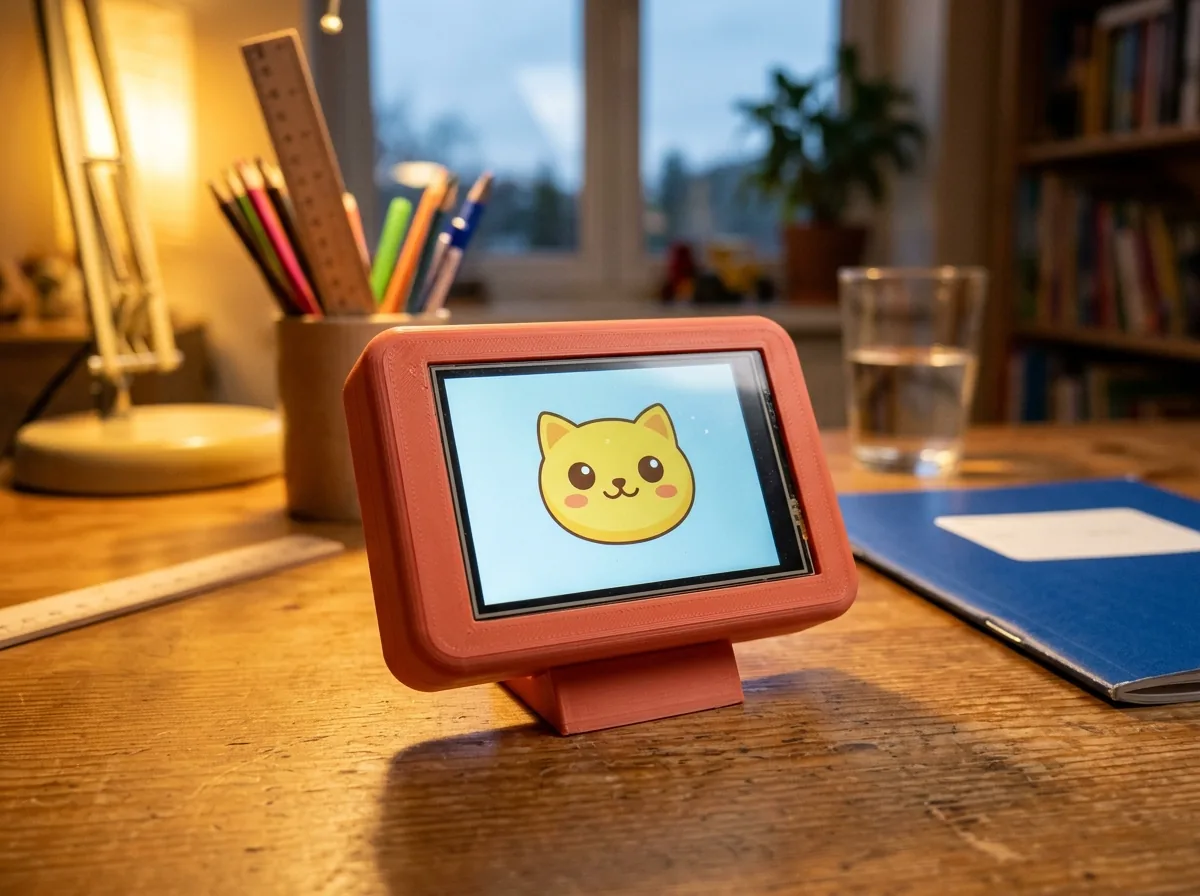
The CYD Buddy on a homework desk. A 3D-printed case around the open ESP32 touch-screen board, with Pip on screen.
TomorrowThu 22 Oct
PE kit (outdoor)
Reading book in bag
Spellings: 10 minutes tonight
Tap Timer to start homework

Concept design. Built on the open ESP32 "Cheap Yellow Display" board: a 2.8-inch, 320×240 touch screen with Wi-Fi. Try the buttons. Learn has a few sums and spellings, for ages 4–8 or 9–13.

Meet the CYD Buddy Prototype in progress

A homework friend for the kids' desk.

The Buddy is a small touch-screen companion that reads from School Hop. Children see what they need for tomorrow, start a homework timer, and look after a little 3D pet that grows when the work gets done.

  • What's tomorrowKit, books and clubs for that child only, in big friendly text.
  • Homework timerShort focus sessions. Finish one and Pip, the pet, gets a star.
  • A calm 3D petDrawn on the device itself with a tiny 3D renderer. No flashing lights, no ads, no shop.
  • Sums and spellingsShort tap-the-answer questions in two levels, for ages 4–8 and 9–13. Tap Learn on the device to try a few.
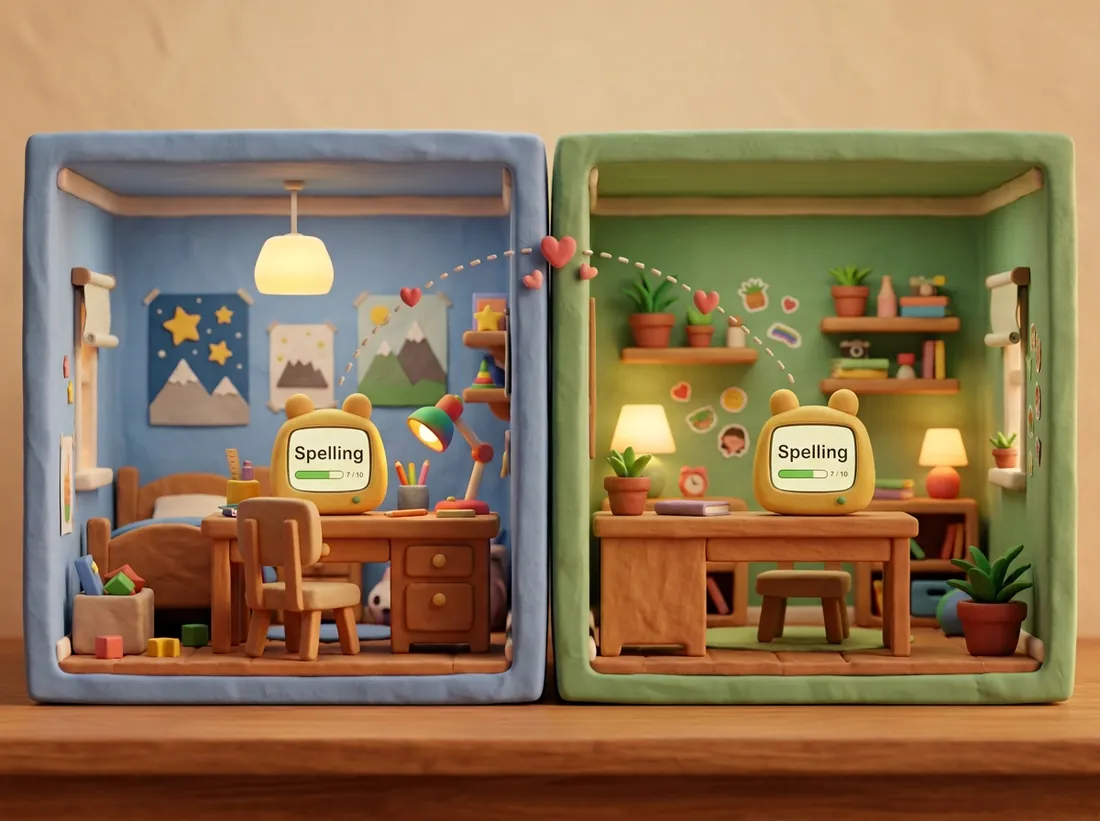
  • Works across two homesThe pet lives with the child's School Hop profile, so it's the same pet on any Buddy.

No browser, no games store, no adverts. It does one job.

Two sizes

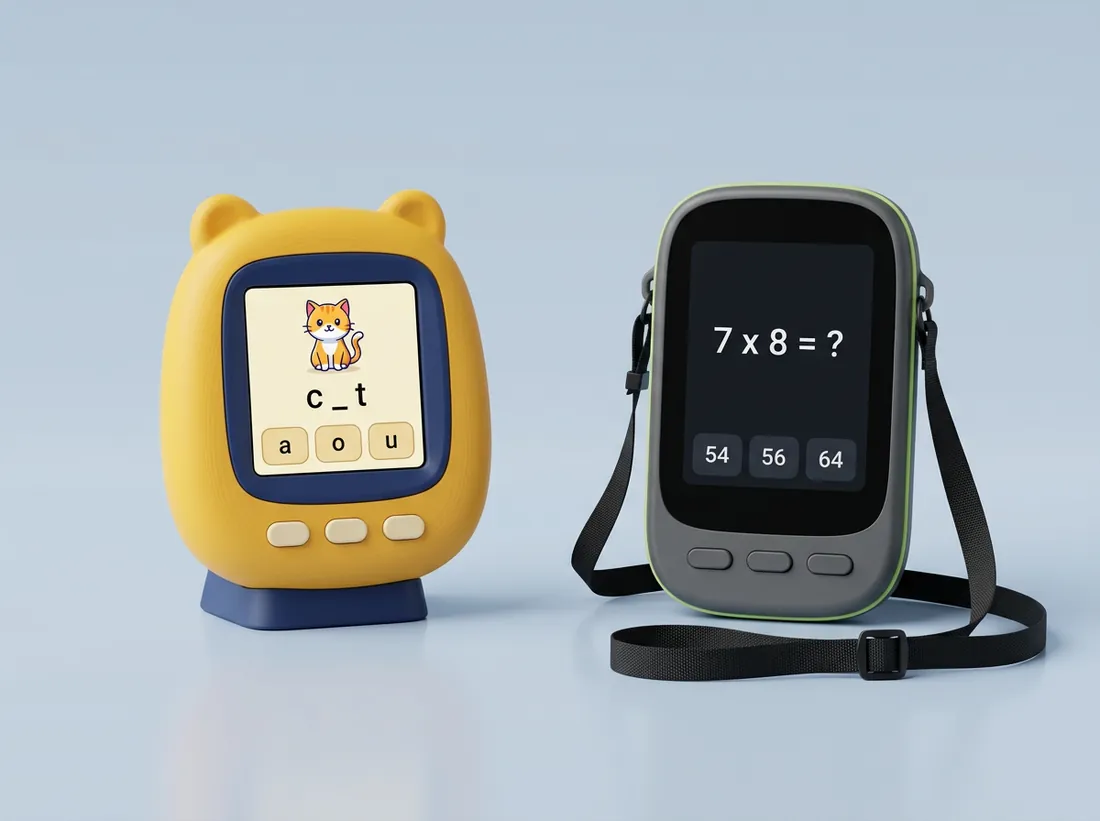
A Buddy for 4–8, and a grown-up one for 9–13.

The same School Hop list on both. The little one uses the 2.8-inch board; the 9–13 one uses a bigger 4.3-inch screen made for a pen. Nothing here is on sale yet. These are the designs we're working towards, and each one says how far along it is.

Concept render of two Buddies side by side. On the left a yellow case with ears on a desk stand shows a cartoon cat and the spelling c blank t. On the right a slim graphite case with a black shoulder strap shows the sum 7 times 8 with answers 54, 56 and 64.Concept render
Little Buddy and the 9–13 BuddyA cuddly 2.8-inch Buddy with picture questions for younger children. A slim 4.3-inch Buddy with a pen for older ones.
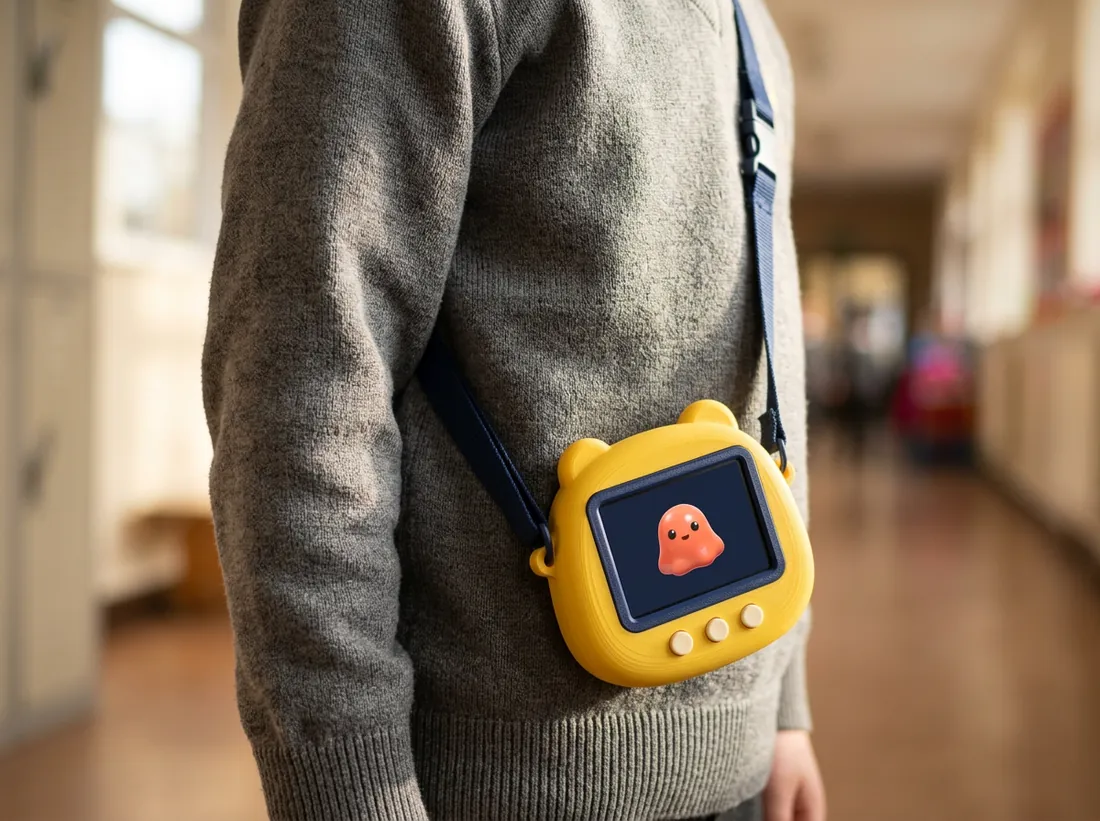
Concept render of a child's torso, face not shown, wearing a grey school jumper with a yellow Buddy hanging at hip height on a navy strap worn across the body from one shoulder.Concept render

Little Buddy, ages 4–8 Concept only

Tomorrow's list, on the way to school.

A webbing strap clips to two lugs printed into the case, so the Buddy hangs at hip height and shows today's kit and clubs in big friendly text. It needs the battery from Buddy Plus.

  • Across the bodyOver one shoulder and across the chest. Never a loop round the neck.
  • A breakaway buckleThe strap lets go if it snags on a coat peg or a climbing frame.
  • Picture-and-tap questionsSums with a picture, spellings with a clue, and a pet that cheers when the work is done.

Where it's up to: a concept picture. No strap or lugs have been printed or pull-tested yet.

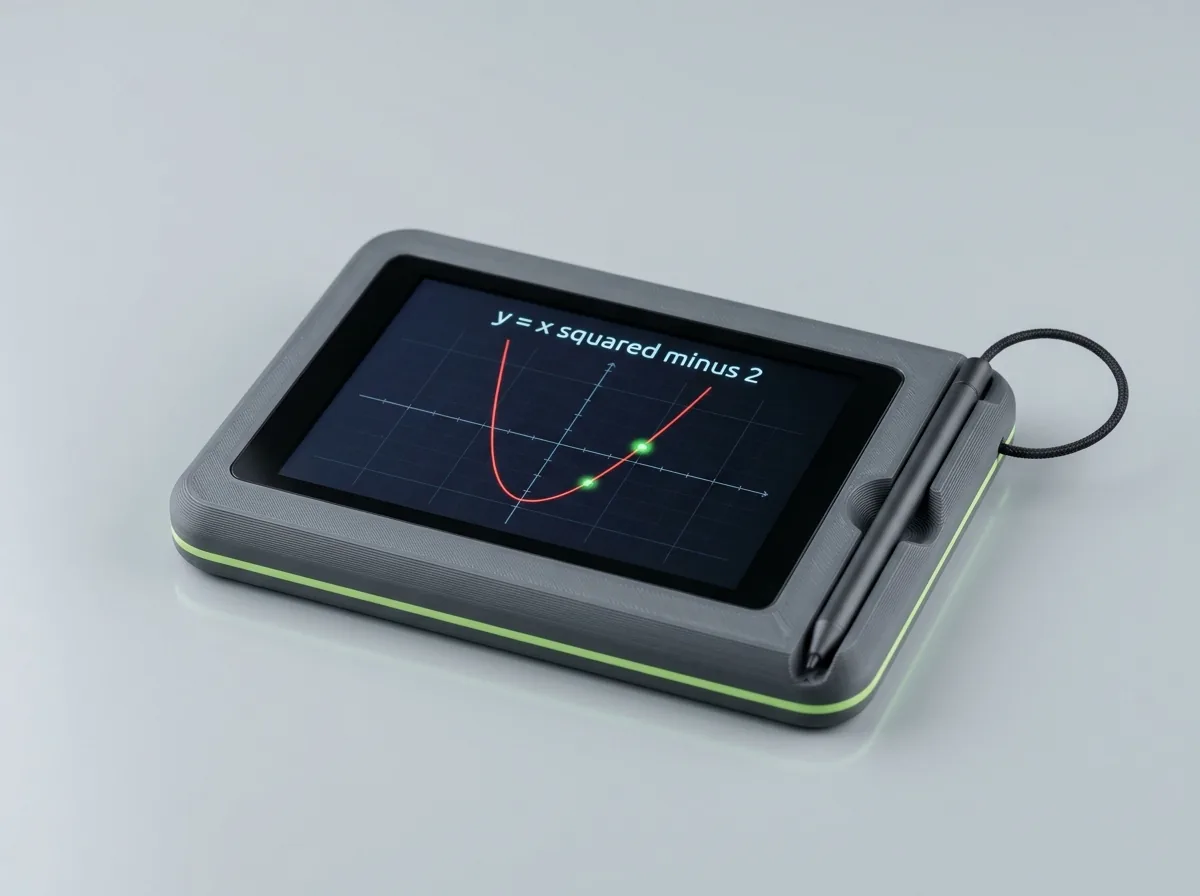
Concept render of the 4.3-inch Buddy: a slim matte graphite 3D-printed case with a thin lime accent line, a landscape touchscreen showing a red parabola graph on a grid, and a slim pen on a short tether resting in a groove down the right-hand side.Concept render

Buddy for ages 9–13 Concept only

A bigger Buddy with a pen, for older children.

A slim graphite case around a 4.3-inch screen, a little smaller than a phone screen and much sharper than the little Buddy's (800×480 instead of 320×240). It has more memory too, so it can do more with the pen. Older children get times tables, tricky spellings and fractions, a calculator, and a streak badge instead of a cuddly pet.

  • Harder questionsTimes tables, spellings like “necessary” and “separate”, and fractions.
  • A pen that does real workThe screen is pressure-sensitive, so a plain pen on a short tether works on it: tap answers, show your working under a sum, label a diagram, practise handwriting. Concept
  • Yes, you can draw on itA sketch pad with colours, an eraser and undo. Drawings save to the memory card and can be shown on the parent dashboard. Concept
  • A calculator built inTap the keys on screen or with the pen: powers, roots, sin and cos, logs, graphs, and the slope and area under a curve. For homework, not exams. Planned
  • A streak, not a petA streak badge and a level. A pet stays an option for children who like one.
  • Still just one jobThe same locked-down screen, the same cross-body strap and breakaway buckle. No browser, no games, no adverts.

Where it's up to: a concept picture (AI-made, so the case details are only an idea). The 4.3-inch board exists and is sold today, but the 9–13 case, the pen tether and the drawing and calculator apps haven't been made yet. The graph on the screen is the same one you can try above. Tap Learn on the device above and switch to 9–13 to try the questions in your browser.

Build it yourself

Buddy Basic

about £15 in parts, estimate
  • Cheap Yellow Display board (2.8", resistive touch)
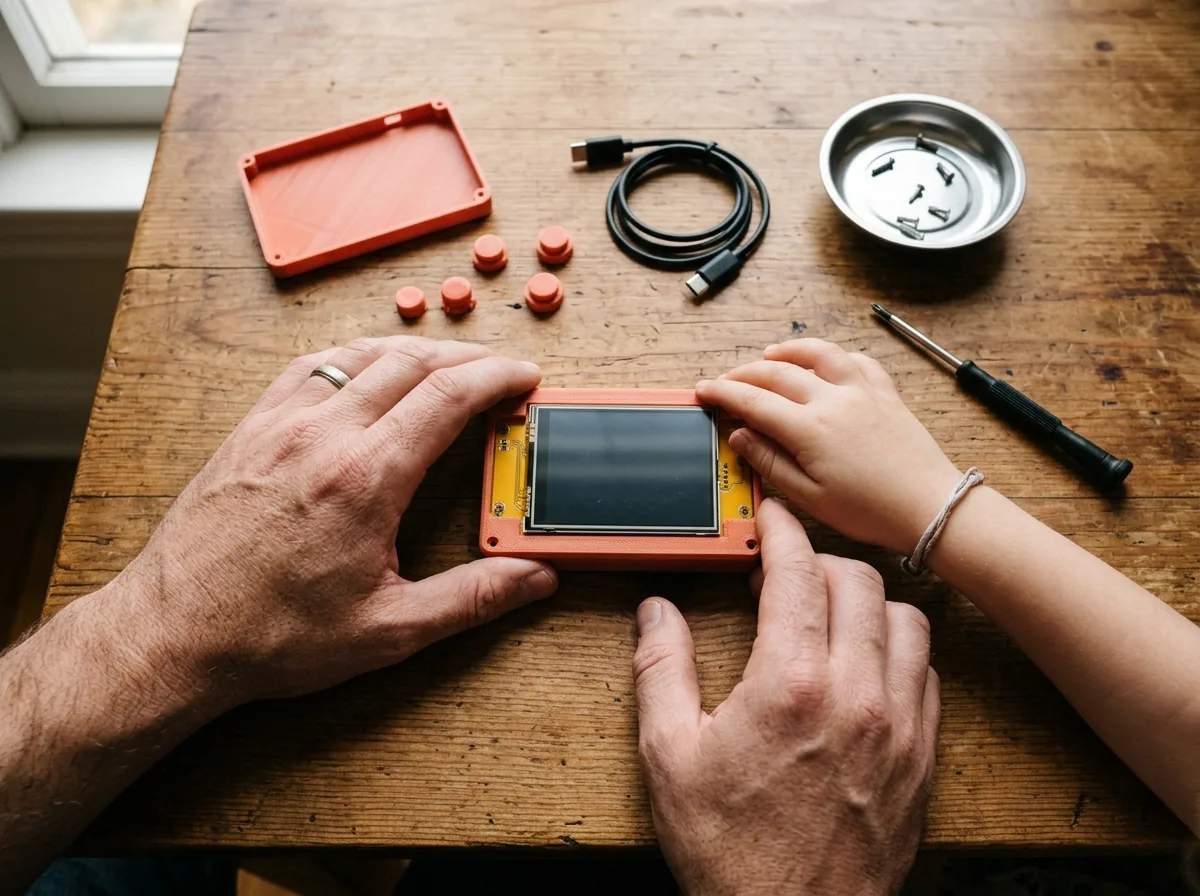
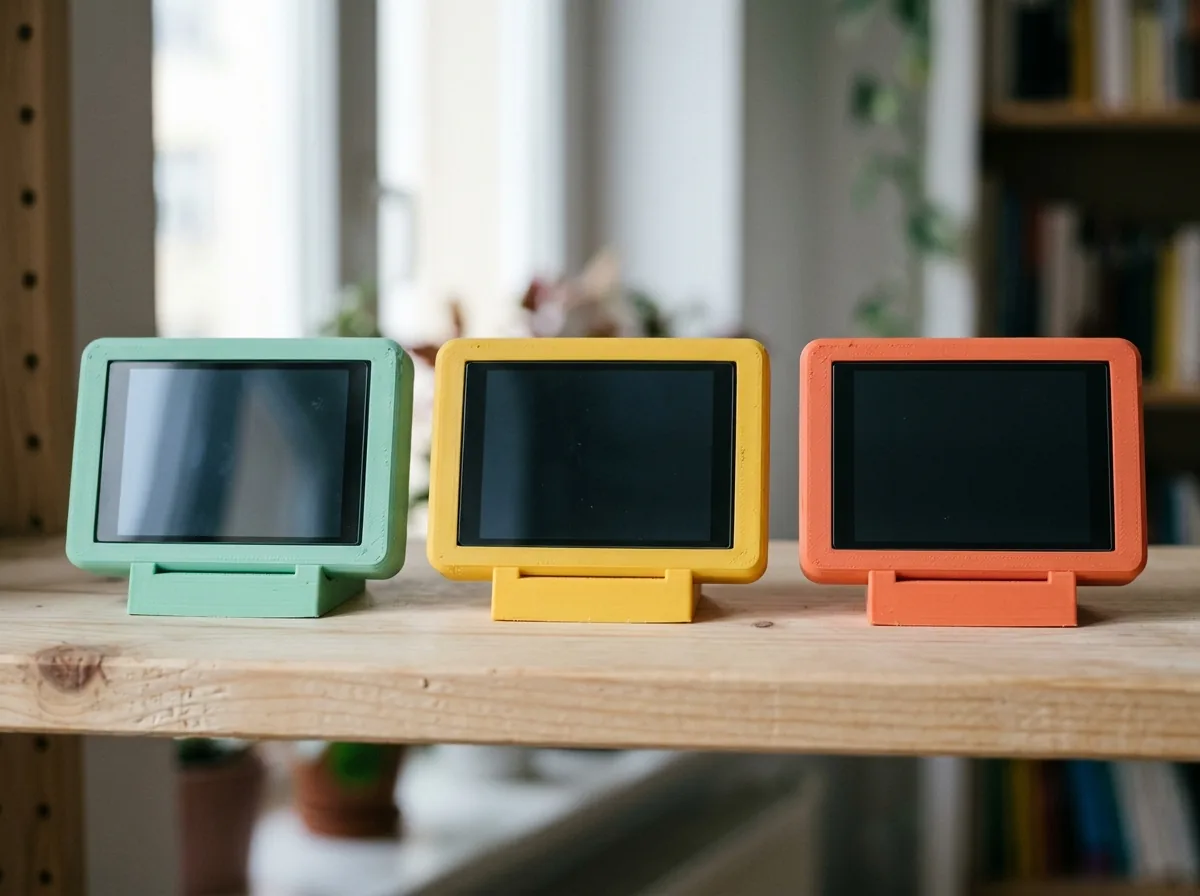
  • 3D print your own case, stand and button caps
  • Flash the software from your browser

Pick your upgrades

Buddy Plus

about £30–40 in parts, estimate
  • Everything in Basic
  • Rechargeable battery and a small speaker
  • Tilt sensor and a sturdy desk stand

Ready made

Buddy Kit

Price to be confirmed
  • Larger 4.3" screen and a smoother pet
  • Case printed and software installed
  • Open hardware, so you can still tinker

Add-on Concept

Carry kit

Printed strap lugs, a webbing strap and a breakaway buckle. Needs the battery from Buddy Plus.

Add-on Concept

4.3" Buddy case

A slim graphite shell for the bigger 4.3-inch board: no ears, flat keys, a lime accent line and a slot for the pen.

Add-on Concept

Pen

A slim pen on a short tether that clips into the 4.3-inch case. Any blunt stylus works on the pressure-sensitive screen, so a lost one is cheap to replace.

Add-on Concept

Calculator keys

The calculator itself is a free app on the screen. For anyone who prefers real buttons, a clip-on keypad plugs into the Buddy's side connector. For homework and revision, not exams: exam boards don't allow calculators that can connect to Wi-Fi.

Add-on Concept

App cartridges

Slot a memory card into the side and the Buddy installs a new app from it, like a games cartridge: a times-table challenge, a drawing pack, a revision quiz. Small, cheap and swappable.

Prices for all add-ons to be confirmed.

Print your own. Change anything. Coming

The Buddy is open hardware. The case, the stand and the button caps are designed to be 3D printed at home, and the case files, wiring guide and Buddy code will be free to download, change and share. They'll be published with the first kit.

Try the 4.3-inch Buddy Demo in your browser

A calculator, a graph and a drawing pad. Try them now.

These three screens are real and work in your browser: use your finger, a mouse or a pen. They show what the bigger Buddy is being designed to do. They are not running on a Buddy yet.

Angles in degrees
 
0

Demo only. Everything stays in your browser: nothing is stored or sent. “Save picture” downloads to your own computer.

  • Calculator PlannedPowers, roots, sin, cos, tan, logs and brackets, in degrees or radians. For homework and revision, not exams: exam boards don’t allow calculators that can connect to Wi-Fi.
  • Graph, slope and area PlannedType a rule like x^2 − 2 and see the curve, how steep it is at x = 1, and the area under it from 0 to 1. Worked out with numbers, so it’s accurate for school work but isn’t an algebra system.
  • Drawing pad ConceptColours, thick and thin, an eraser and undo. The 4.3-inch screen is pressure-sensitive, so a plain pen works. Saved to the memory card.
  • Show your working ConceptWrite the steps under a sum with the pen. Your child’s working stays on the Buddy and the home dashboard, not in the cloud.

What it’s made of Concept drawing, not to scale

Print the shell, buy the board.

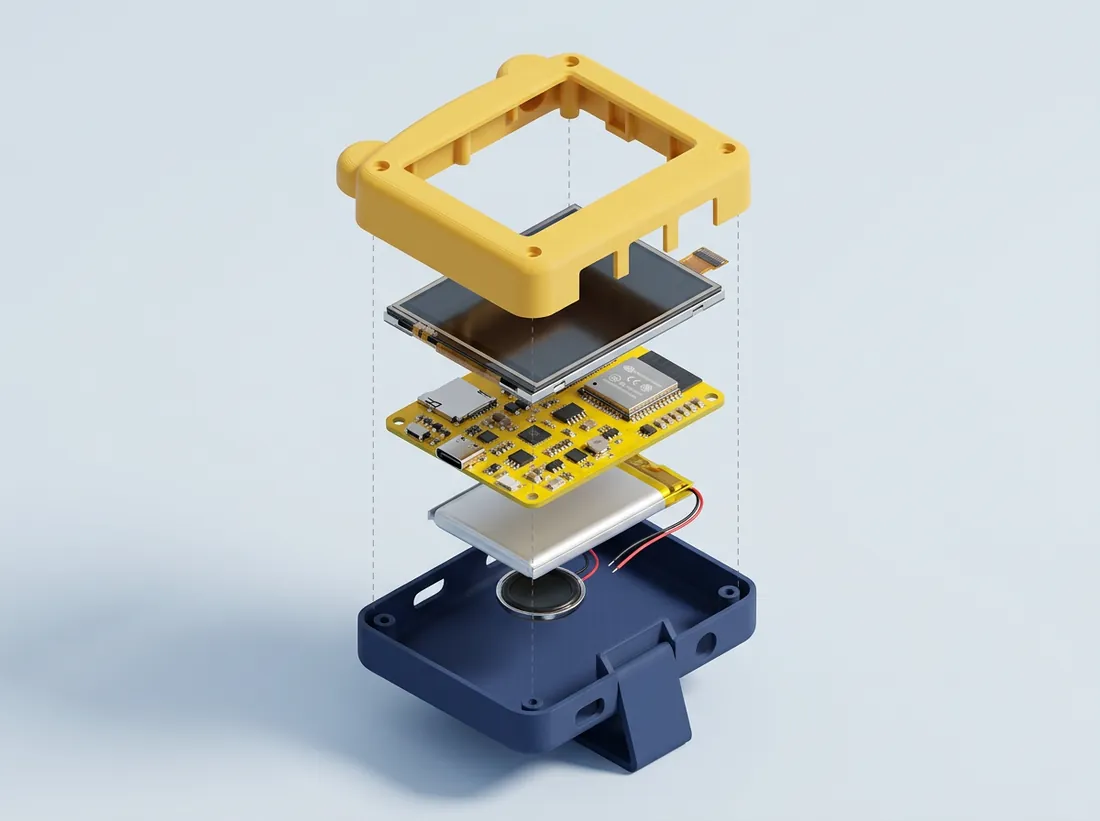
Front shell with screen window3D printed at home 4.3-inch touch-screen board (ESP32-S3)Bought: 800×480 screen, Wi-Fi, memory-card slot Battery (optional)Bought: lets the Buddy go on the carry strap Back shell with a slot for the pen3D printed at home Button caps3D printed Desk stand3D printed Pen on a short tetherAny blunt stylus (bought or printed)
3D printed at home (designed for a 0.4 mm nozzle, in PLA or PETG)Bought board and battery

Coming  The case files, wiring guide and Buddy code are to be published free for anyone to print, change and share. Nothing is published yet, and no 4.3-inch case has been designed or printed.

Where it's going

Built in the open, one step at a time.

Working now

  • Reads school emails, newsletters and PDF letters
  • Dates checked against the original wording
  • Weekly dashboard and to-do list
  • Evening brief at 7pm
  • Calendar sync

Next

  • Its own School Hop calendar
  • Urgent alerts that reach your lock screen
  • A warning if School Hop itself stops working
  • Phone web app

Later

  • School portals: SchoolCloud, Firefly, ParentPay
  • CYD Buddy sync and kits
  • Sums, spellings and the carry strap, tried on a real Buddy first
  • Homework platform reminders

Be first to try School Hop.

We're testing with real families first. Sign-ups will open when School Hop and the Buddy are ready.

Sign-ups are not open yet. This page does not collect or store any email addresses.

Questions

Good questions from other parents.

Does School Hop read all my email?

It only looks at messages from the school platforms and senders you choose, such as your schools' newsletters and the co-parenting app. It has read-only access, so it can't send, delete or reply.

Does my school need to sign up?

No. School Hop works from the emails and letters your schools already send you.

What if it gets a date wrong?

A date only goes in your calendar when the exact words appear in the original message and the weekday matches. Anything it isn't sure about goes to your review list, with the original quote, for you to check.

Is the Buddy just more screen time?

The Buddy has no web browser, games store or videos. It shows tomorrow's list, times homework, and rewards finished work. It's designed to get homework done, then go quiet.

What does the Buddy ask?

Short tap-the-answer questions on sums and spellings, in two levels: counting sums and spellings with a picture clue for ages 4–8, times tables, tricky spellings and fractions for ages 9–13. That's the design. The quiz on this page is a demo that runs in your browser, and we'll say here when the real device does it.

Is a Buddy on a strap safe for a child?

It's a design, not a product. The plan is a cross-body strap with a breakaway buckle, so it never loops round the neck and lets go if it catches. Anything sold to children would need proper UK toy and battery safety checks first.

When can I get it?

School Hop is running in our own family now. Sign-ups open when it's ready for others.